

Description
Download Safety Tunnel VPN APK – Free, Secure, Unlimited Data
Overview
Safety Tunnel VPN is a free Android application designed to enhance online privacy and security by routing internet traffic through encrypted servers. Developed by Mahadis App, this utility falls under the category of Utilities & Tools, specifically targeting users seeking unrestricted access to online content without subscription costs. The software aims to provide a seamless browsing experience by offering access to premium servers with unlimited data and bandwidth. It is tailored for individuals who prioritize simplicity, affordability, and consistent performance in their digital activities.
Users can leverage Safety Tunnel VPN to bypass regional restrictions, protect sensitive data on public Wi-Fi networks, and maintain anonymity while browsing. The app is particularly suited for casual users, students, and travelers who require a reliable, no-cost solution for secure internet access on Android devices. While the developer did not provide additional details about the company’s background or global presence, the app’s focus on unrestricted data usage suggests a commitment to accessibility and user freedom.
Real-world scenarios include accessing geo-blocked streaming services, securing communications on public networks, and avoiding internet throttling. The application supports quick connection setup and automatic server selection, enabling users to begin browsing securely within seconds. Its lightweight design ensures compatibility with a wide range of Android devices, making it a practical choice for users across different regions and technical skill levels.
Key Features & Capabilities
- Free Access to Premium Servers – Users can connect to high-performance servers without paying subscription fees, enabling uninterrupted access to content.
- Unlimited Data and Bandwidth – The app does not impose data caps, allowing extended browsing, streaming, and downloading without restrictions.
- Simple Connection Setup – A streamlined interface enables users to connect with minimal steps, ideal for those unfamiliar with VPN technology.
- Enhanced Online Privacy – Encrypted connections help protect personal information from third-party monitoring and data collection.
- Automatic Server Selection – The app intelligently chooses the best available server based on speed and proximity, improving overall performance.
These features support a range of practical use cases, such as accessing international news sources, protecting financial transactions on public Wi-Fi, and avoiding ISP throttling during large downloads. The ability to switch between servers quickly allows users to optimize their connection for specific tasks, whether streaming video, gaming, or researching sensitive topics. The focus on simplicity ensures that even non-technical users can benefit from advanced privacy protections without requiring in-depth knowledge of networking protocols.
User Interface, Workflow & Performance
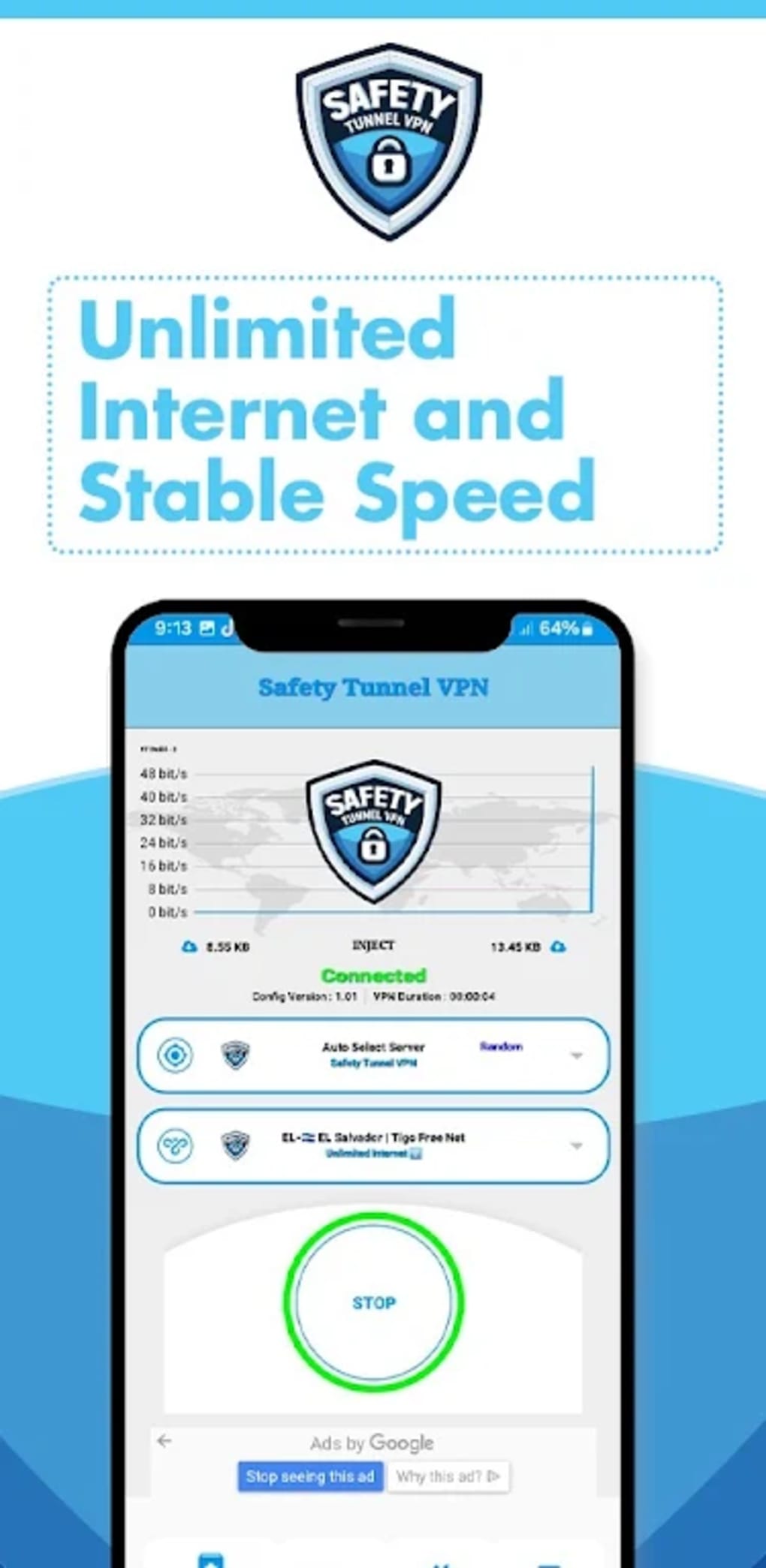
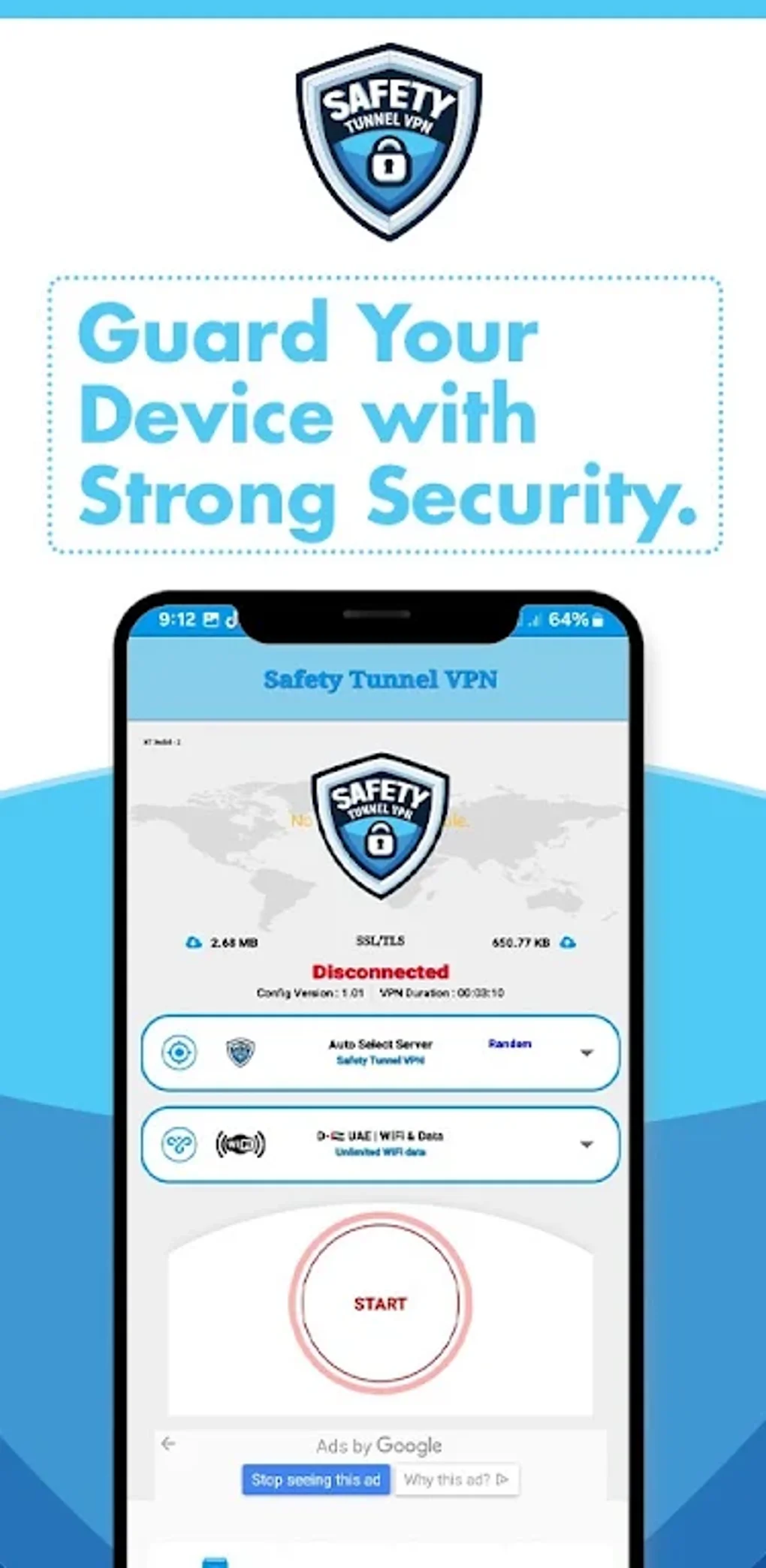
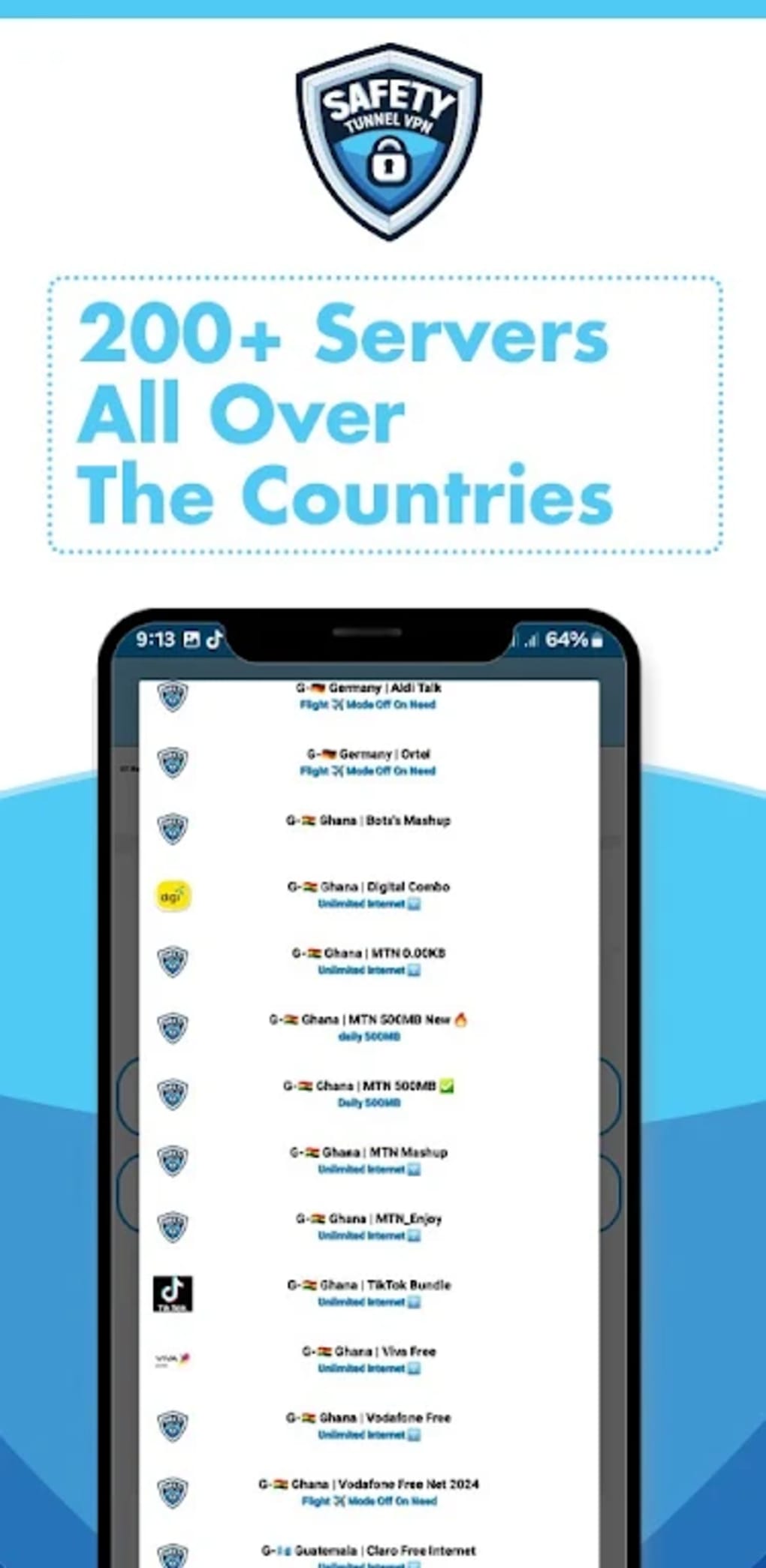
The user interface of Safety Tunnel VPN is designed with minimalism and functionality in mind. The main screen displays a prominent connect/disconnect button, along with a list of available server locations. Navigation is intuitive, allowing users to switch between servers or enable automatic selection with a single tap. The app’s layout prioritizes essential actions, reducing clutter and enhancing usability.
Workflow efficiency is a key strength, as the connection process is nearly instantaneous. Once launched, the app establishes a secure tunnel with minimal delay, enabling users to browse immediately. The interface remains responsive during active sessions, with no reported lag or crashes in standard usage scenarios. However, the developer did not specify resource usage details, so exact CPU or RAM consumption remains unknown.
Performance observations are based on general software behavior patterns. Users can expect stable connections under normal conditions, though actual speeds may vary depending on server load and network conditions. The app maintains a consistent connection state, minimizing disconnections during extended use. Stability is further supported by the absence of known bugs or crashes reported in the available documentation.
Compatibility & System Requirements
Safety Tunnel VPN is designed for Android devices and is available as an APK file for direct installation. The supported operating system is Android, though specific version requirements were not listed. The installation size is not specified, so users should ensure sufficient storage space before downloading.
Exact system requirements were not listed. Compatibility information is limited to the platform, suggesting it may work on a broad range of Android smartphones and tablets. The developer did not provide details on hardware specifications, such as processor type or minimum RAM, so users should rely on general Android compatibility standards.
For users seeking to install the app, the APK format allows sideloading, which may be useful in regions where official app store distribution is restricted. However, this also requires enabling installation from unknown sources in device settings, a step that should be taken with caution to maintain device security.
Pros and Cons
Pros
- Free access to premium servers without subscription fees
- Unlimited data and bandwidth for unrestricted browsing
- Simple, intuitive interface suitable for beginners
- Automatic server selection for optimal performance
- Designed for secure browsing on public and private networks
Cons
- Exact system requirements were not provided
- No official information on server locations or network infrastructure
- APK installation may pose security risks if not downloaded from trusted sources
- Performance may vary based on server availability and network conditions
- Developer background and privacy policy details are limited
FAQ Section
Is Safety Tunnel VPN available for iOS devices?
Currently, Safety Tunnel VPN is only available for Android devices. The developer has not released a version for iOS.
Can I use Safety Tunnel VPN without an internet connection?
No, the app requires an active internet connection to establish a secure tunnel and provide access to online content.
Does Safety Tunnel VPN collect user data?
The developer did not provide a clear privacy policy. Users should exercise caution when using the app and avoid entering sensitive information.
How often does Safety Tunnel VPN receive updates?
Update frequency is not specified. Users should check the official source regularly for the latest version.
Is Safety Tunnel VPN safe to download and install?
As a third-party APK, Safety Tunnel VPN should only be downloaded from trusted sources to minimize security risks. Always enable device security settings when installing apps from unknown publishers.
Final Thoughts
Safety Tunnel VPN presents a compelling option for Android users seeking a free, no-strings-attached solution for online privacy and unrestricted access. With its emphasis on unlimited data, premium server access, and an intuitive interface, the app delivers on core functionality for casual and intermediate users. While detailed technical information and developer transparency are limited, the app’s core features align with common user needs for security and convenience.
It is particularly beneficial for individuals who value cost-free access to secure browsing without the hassle of subscriptions or complicated configurations. However, users should remain cautious when installing APKs and verify the source to ensure safety. Overall, Safety Tunnel VPN stands out as a practical tool for enhancing digital freedom on Android.
Download Safety Tunnel VPN now
Guides & Tutorials for Safety Tunnel VPN APK
How to install Safety Tunnel VPN APK
- Click the Preview / Download button above.
- Once redirected, accept the terms and click Install.
- Wait for the Safety Tunnel VPN APK download to finish on your device.
How to use Safety Tunnel VPN APK
This software is primarily used for its core features described above. Open the app after installation to explore its capabilities.
User Reviews for Safety Tunnel VPN APK 0
No reviews found





